
Gaming Console Care
The Complete Guide to Bringing a Tired PlayStation 4 Back to Life
By the UAE Technician editorial team · 12 min read
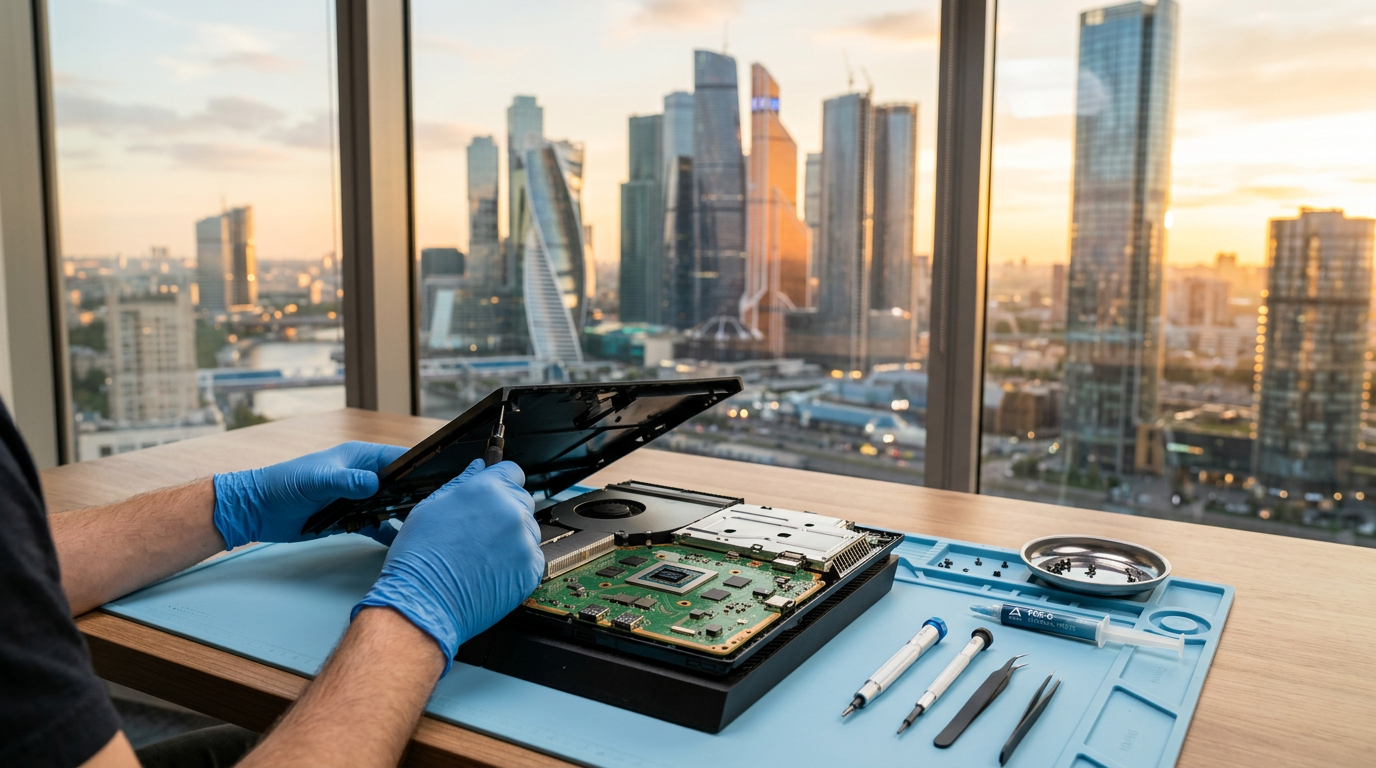
The PlayStation 4 remains one of the most loved consoles in the region, but after years of long gaming sessions in a warm climate, even the toughest machine starts to show its age. If your console is overheating, refusing to display a picture or blinking that dreaded blue light, a trusted PS4 Repair Dubai specialist can usually restore it in far less time than you might expect, and at a fraction of the cost of buying a new one.
Millions of these consoles are still in daily use, and many owners have built up large digital libraries, years of saved progress and a collection of controllers and accessories. Replacing everything simply because one component has worn out rarely makes sense. With the right diagnosis, the vast majority of faults are fixable.
Before you hand your console over, it helps to understand what typically goes wrong, what a proper repair involves and how to keep the machine healthy afterwards. This guide walks through each of those points in plain language, so you can make an informed decision and avoid paying for work you do not need.
Why consoles struggle in a hot climate
Electronics hate heat, and summer temperatures in the Gulf put every component under extra strain. Air conditioning helps, but consoles are often tucked into TV cabinets where warm air has nowhere to go. Fine desert dust slips through the vents and settles on the heatsink and fan blades, acting like a blanket that traps heat inside.
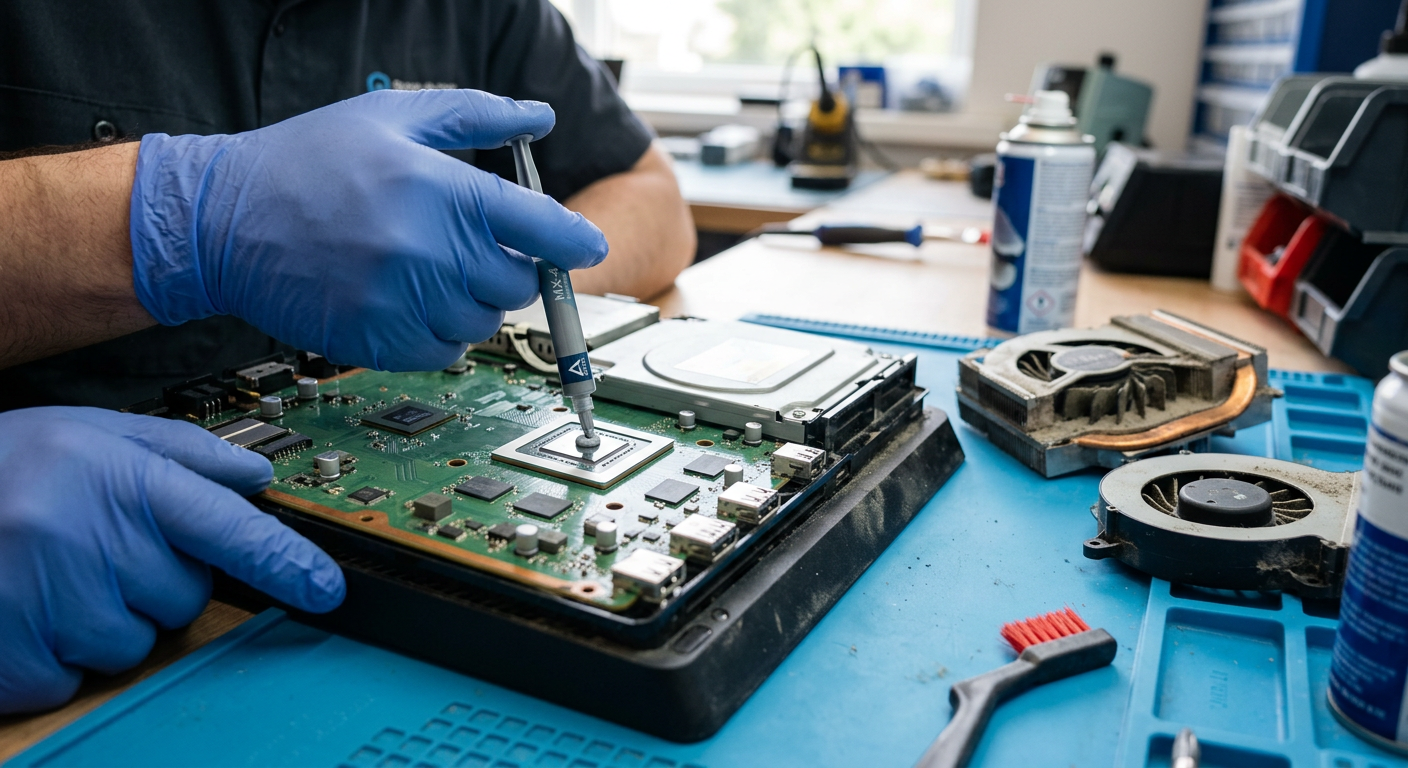
Over time, the thermal paste between the processor and heatsink dries out and loses its ability to transfer heat. The fan compensates by spinning faster and louder, and eventually the system throttles performance or shuts down to protect itself. Repeated heat cycles can also weaken solder joints on the motherboard, which is behind many of the more serious faults described below.
Warning signs you should not ignore
Catching a problem early almost always means a cheaper, faster repair. Watch out for these symptoms:
- The fan is noticeably louder than it used to be, even on the home screen.
- Games freeze, stutter or crash after twenty or thirty minutes of play.
- The screen flickers, shows artefacts or loses signal intermittently.
- The console feels hot to the touch around the rear vents.
- Discs make grinding or clicking noises when inserted.
- You see the same error code repeatedly after updates.
The most common PlayStation 4 faults
Although every console is different, the same handful of problems account for most of the machines that arrive at a repair bench. Here is what they look like and what fixing them usually involves.
Overheating and loud fan noise
Years of dust build-up and dried thermal paste force the fan to spin at full speed. Left alone, the heat can damage the APU and cause random shutdowns mid-game. A deep internal clean and fresh, high-grade thermal compound usually restores quiet, stable performance.
No picture or a damaged HDMI port
A bent or loose HDMI port is one of the most frequent faults on the original, Slim and Pro models. Sometimes the port is fine and the HDMI retimer chip has failed instead. Proper diagnosis decides whether a port replacement or a chip-level micro-soldering job is needed.
The blue light of death
A pulsing blue light with no signal points to a power supply problem, a firmware issue, a failing hard drive or a motherboard fault. Each cause needs a different fix, so guessing wastes time and money.
Disc drive not reading or ejecting
Worn lasers, misaligned gears and stuck eject mechanisms stop games from loading. Many drives can be repaired by recalibrating or replacing the laser lens rather than swapping the entire unit.
Storage and software errors
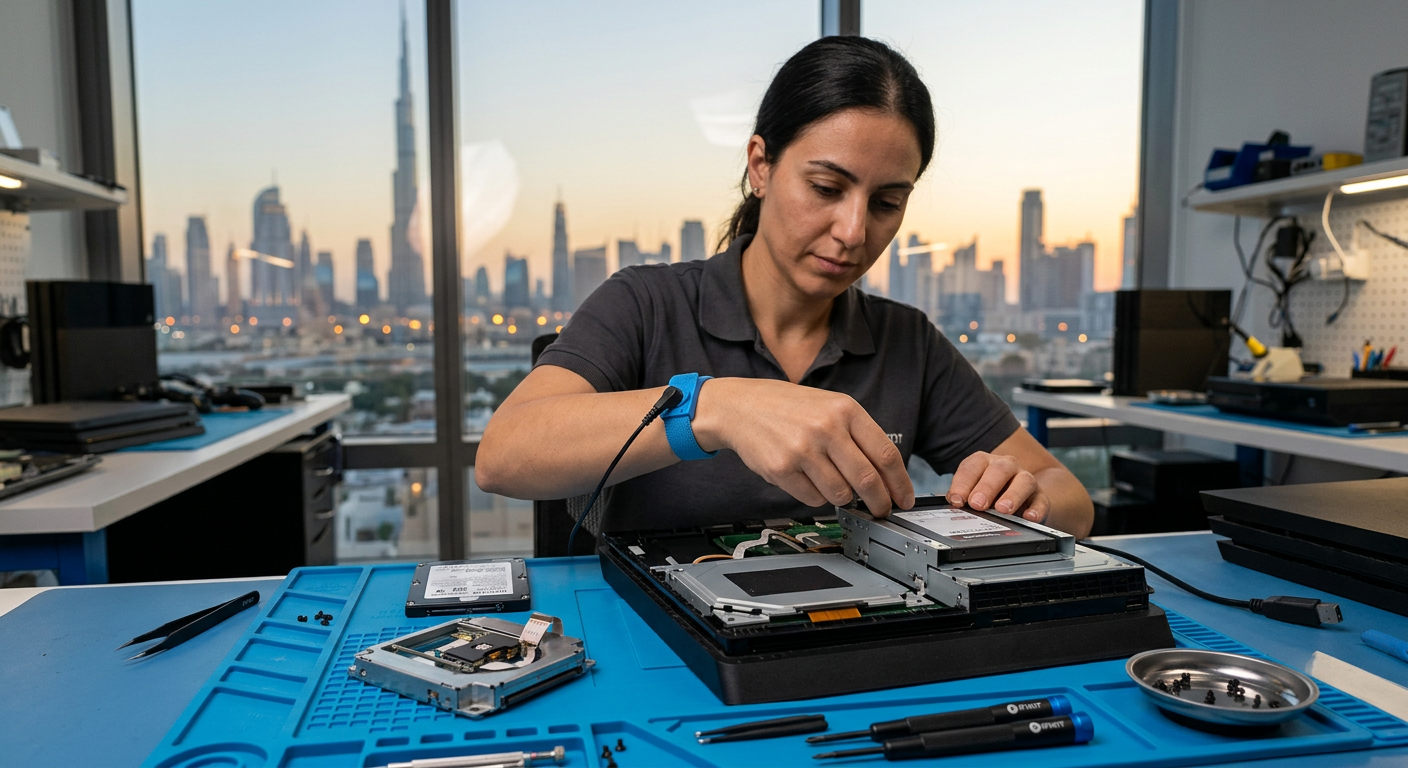
Error codes such as CE-34878-0 or a console stuck in Safe Mode often come from a failing hard drive. Upgrading to an SSD fixes the fault and gives you faster load times as a bonus.
Controller drift and charging problems
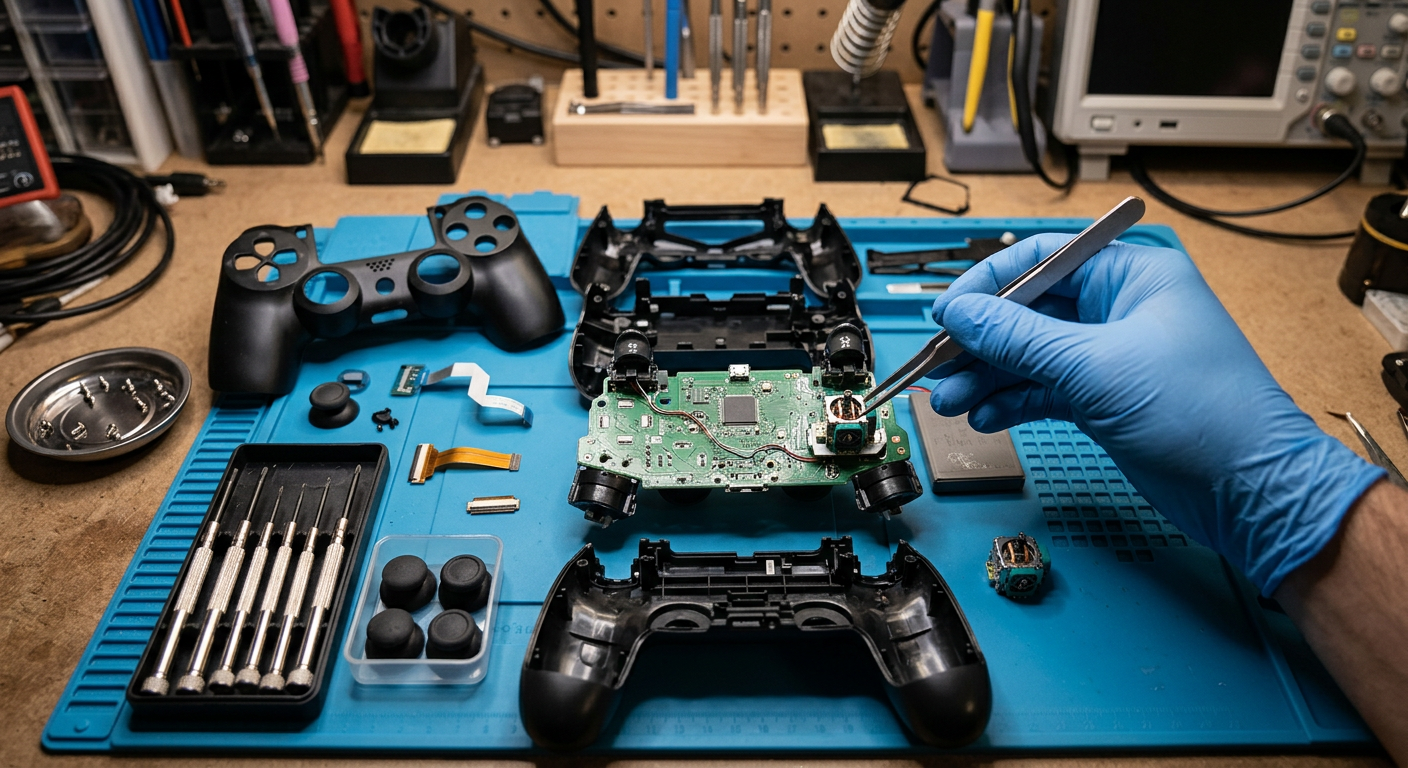
Analog sticks that move on their own, buttons that stick and micro-USB ports that no longer charge are all wear-related. Replacing the joystick module or charging port brings a DualShock 4 back to full precision for far less than a new pad.
Wi-Fi and Bluetooth dropouts
Lag, disconnecting controllers and failed downloads can come from a damaged wireless module or a loose antenna cable. Reseating or replacing the module is a quick, inexpensive repair once the cause is confirmed.
Power supply failure
If the console shows no light at all, or beeps once and switches off, the internal power supply is the usual suspect. Voltage spikes during summer storms and unstable sockets often push an ageing unit over the edge.
What a professional repair looks like
A reliable workshop never jumps straight to replacing parts. Every job follows a clear, repeatable process so nothing is missed and you always know where your console stands.
Step 1
Free diagnostic check
Power delivery, temperatures, video output, storage and wireless connectivity are tested so the true cause is identified rather than guessed.
Step 2
Clear, upfront quote
You are told what is wrong, what it will cost and how long it will take before a single screw is turned. No hidden extras.
Step 3
Precision repair
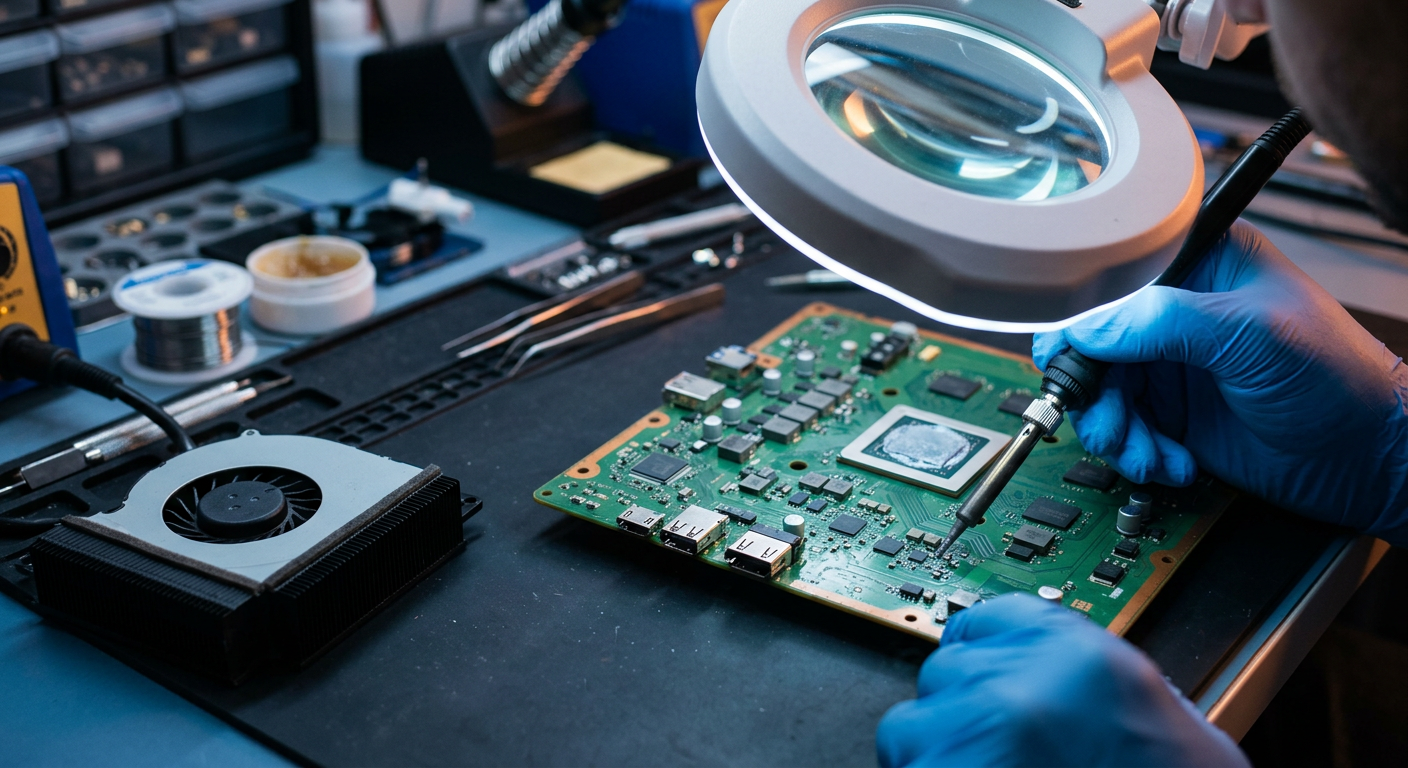
Board-level work is carried out under magnification with temperature-controlled tools, using genuine or high-grade replacement parts.
Step 4
Stress testing
The console runs demanding games for several hours to confirm stable temperatures, picture output and performance.
Step 5
Return with warranty
Your console is cleaned, packed and handed back with a written warranty covering both parts and labour.
Look for a service that offers a written warranty on parts and labour. It is the simplest sign that the technicians stand behind their work, and it protects you if a related fault appears weeks later.
"Most consoles we see are not dead. They are simply overdue for the care they never received."
Repair or replace? Making the right call
Buying a new console can feel like the easy option, but the numbers rarely add up. A deep clean with fresh thermal paste costs a small fraction of a new machine and can add years of life. Even more involved jobs, such as HDMI port replacement or power supply repair, are usually far cheaper than starting over, and you keep your existing setup exactly as it is.
Replacement only makes sense when the motherboard has suffered severe liquid damage or multiple major components have failed at once. A trustworthy technician will tell you honestly when that is the case instead of selling you a repair that will not last.
How to choose a trustworthy repair centre
- A physical workshop you can visit, not just a phone number.
- Transparent pricing with a quote before any work begins.
- Experience with board-level and micro-soldering repairs.
- Genuine or high-grade replacement parts.
- A written warranty on both parts and labour.
- Honest reviews from real customers.
Simple habits that extend your console's life
Once your console is running smoothly again, a few small habits will keep it that way for much longer:
- Keep at least 10 cm of open space around the vents and never place the console inside a closed cabinet.
- Use a quality surge protector, as voltage spikes are a common cause of power supply failures.
- Unplug HDMI cables gently and straight out to avoid bending the port pins.
- Schedule an internal clean and thermal paste refresh roughly once a year, more often in dusty homes.
- Switch the console off fully instead of leaving it in Rest Mode for days at a time.
- Stand the console vertically or on a cooling stand to improve airflow in warm rooms.
- Back up your saves to the cloud or a USB drive so a storage failure never costs you progress.
- Avoid smoking or burning incense near the console, as residue clogs the heatsink quickly.
Frequently asked questions
Is it worth repairing an older PlayStation 4?
In most cases, yes. The majority of faults cost a fraction of a new console, and a repaired machine keeps your existing games, accessories and saved data in use.
How long does a typical repair take?
Cleaning, thermal paste replacement and HDMI port jobs are often completed the same day. Motherboard-level repairs or parts that need to be ordered can take two to four working days.
Will I lose my games and saved data?
Not usually. Most repairs do not touch the hard drive. If the drive itself has failed, technicians will try to recover your data before installing a replacement, and cloud saves are never affected.
Can the console be upgraded during the repair?
Yes. Swapping the stock hard drive for an SSD is a popular add-on that noticeably reduces loading times and makes the system feel more responsive.
Does opening the console void the warranty?
Most PlayStation 4 consoles are well past their original manufacturer warranty. A reputable repair centre provides its own written warranty on the work carried out.
Final thoughts
A struggling console rarely needs to end up in a landfill. With an honest diagnosis, quality parts and skilled hands, most faults can be fixed quickly and affordably. When you choose a PS4 Repair Dubai service with a physical workshop, transparent pricing and a solid warranty, you get back to gaming with complete peace of mind.